GETTING STARTED / 10
Build an AI Passport app with Qoder CN
Install Alibaba's Qoder CN desktop app and develop, build, and check your app in a local workspace.
Get to know Qoder CN
Qoder CN is Alibaba's agentic coding platform, formerly Tongyi Lingma. Its desktop app centers on a coding agent that understands a local project, plans the work, edits files, and runs commands.
- Developer: Alibaba Cloud
- Platforms: macOS 12 or later, Windows 10 or later, Linux (x64, ARM64, LoongArch64), HarmonyOS 6.1.1 or later
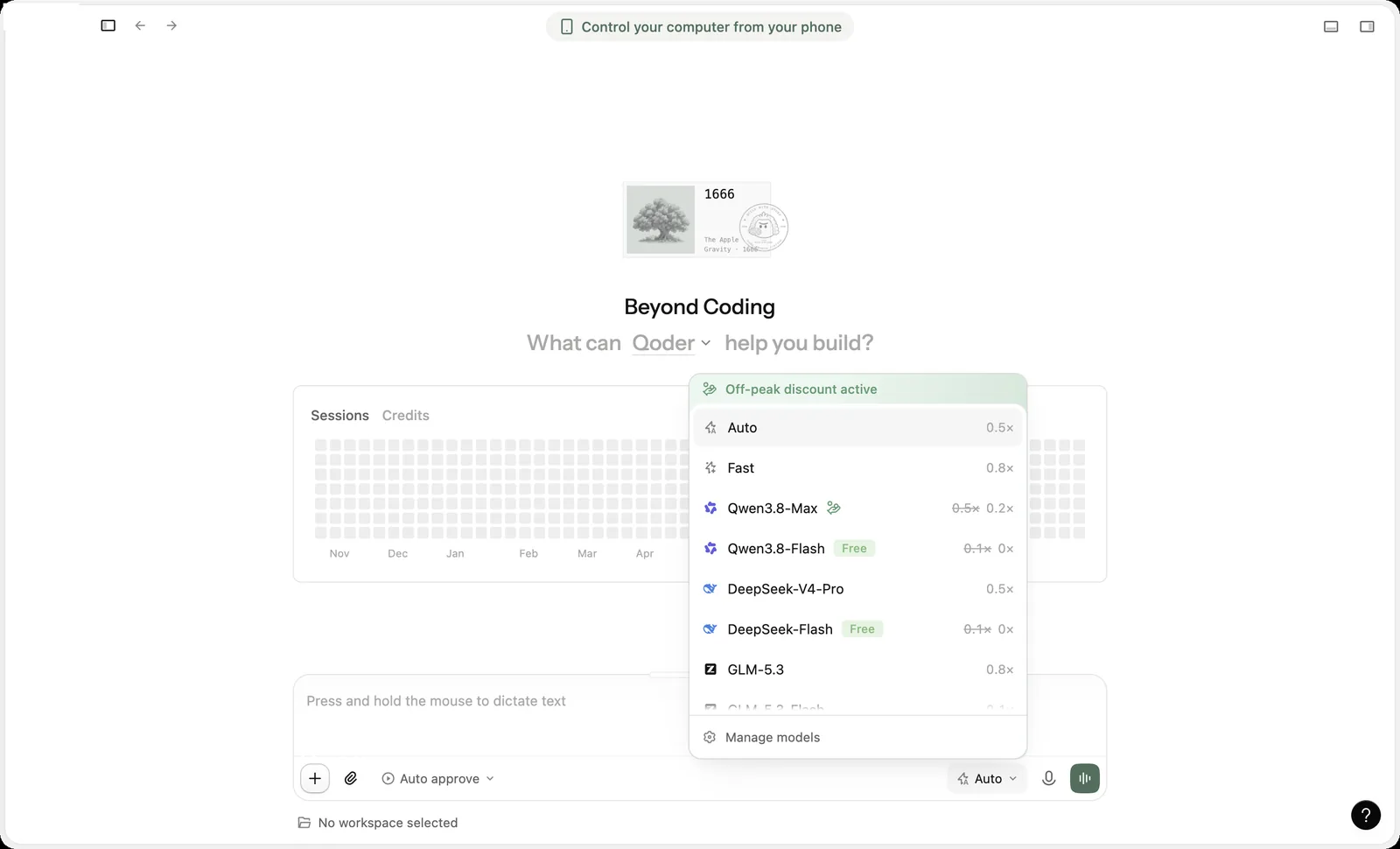
- Requirements: a Qoder CN account; model usage consumes account credits, and each model's rate appears in the model menu
- Version used in this guide: 0.5.1
Tested on macOS 26.6 (Apple silicon) on October 30, 2026, by installing the app and completing this guide's example task.
Download and install Qoder CN
Download the installer from the official site: qoder.com.cn/download. Use only the official download, not repackaged builds from other sources.
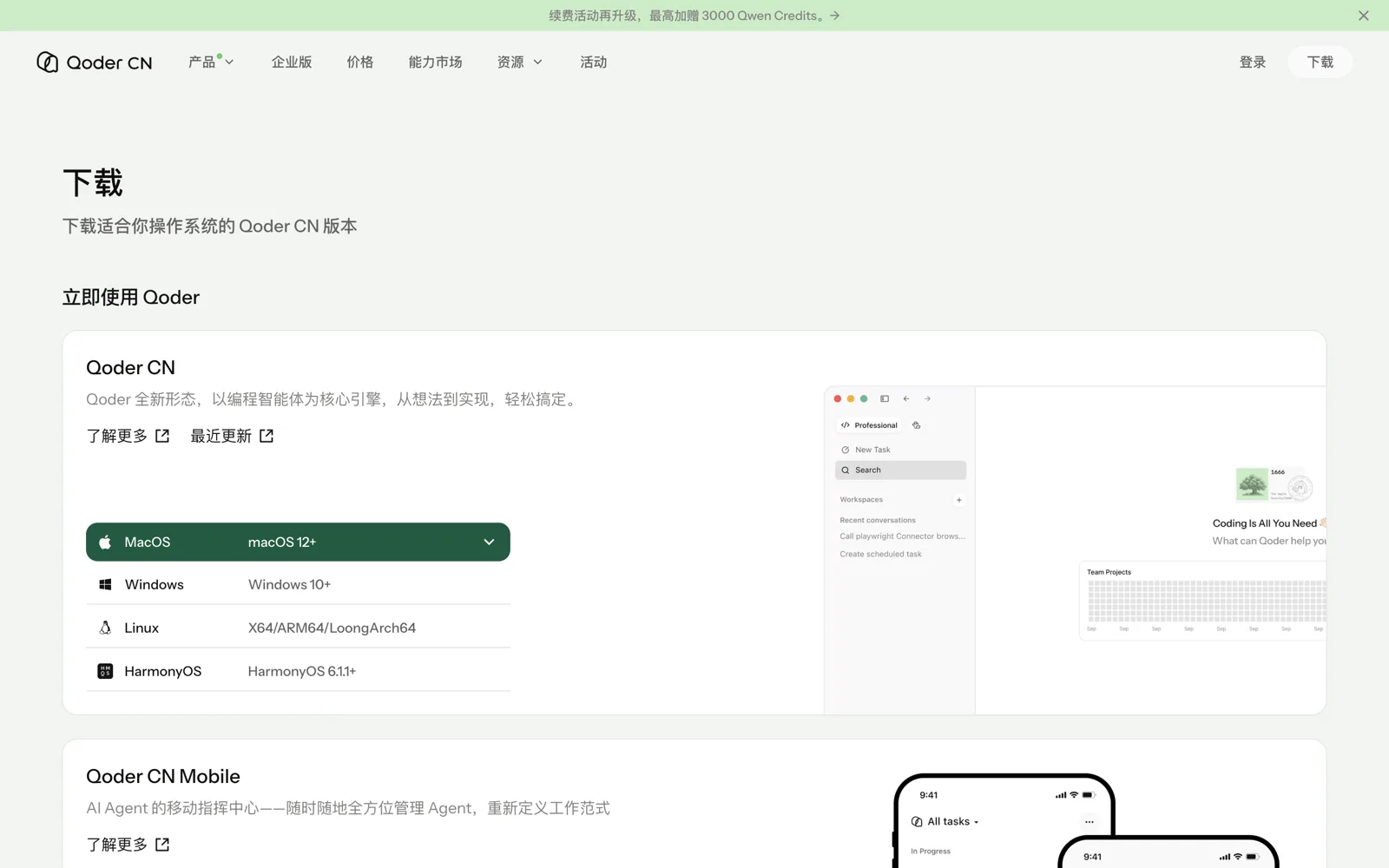
- On the download page, choose your system on the Qoder CN card. Qoder CN IDE and CLI on the same page are different products.
- macOS: open the .dmg and drag Qoder CN into Applications.
- Windows: run the installer and follow the steps.
Sign in and check the model
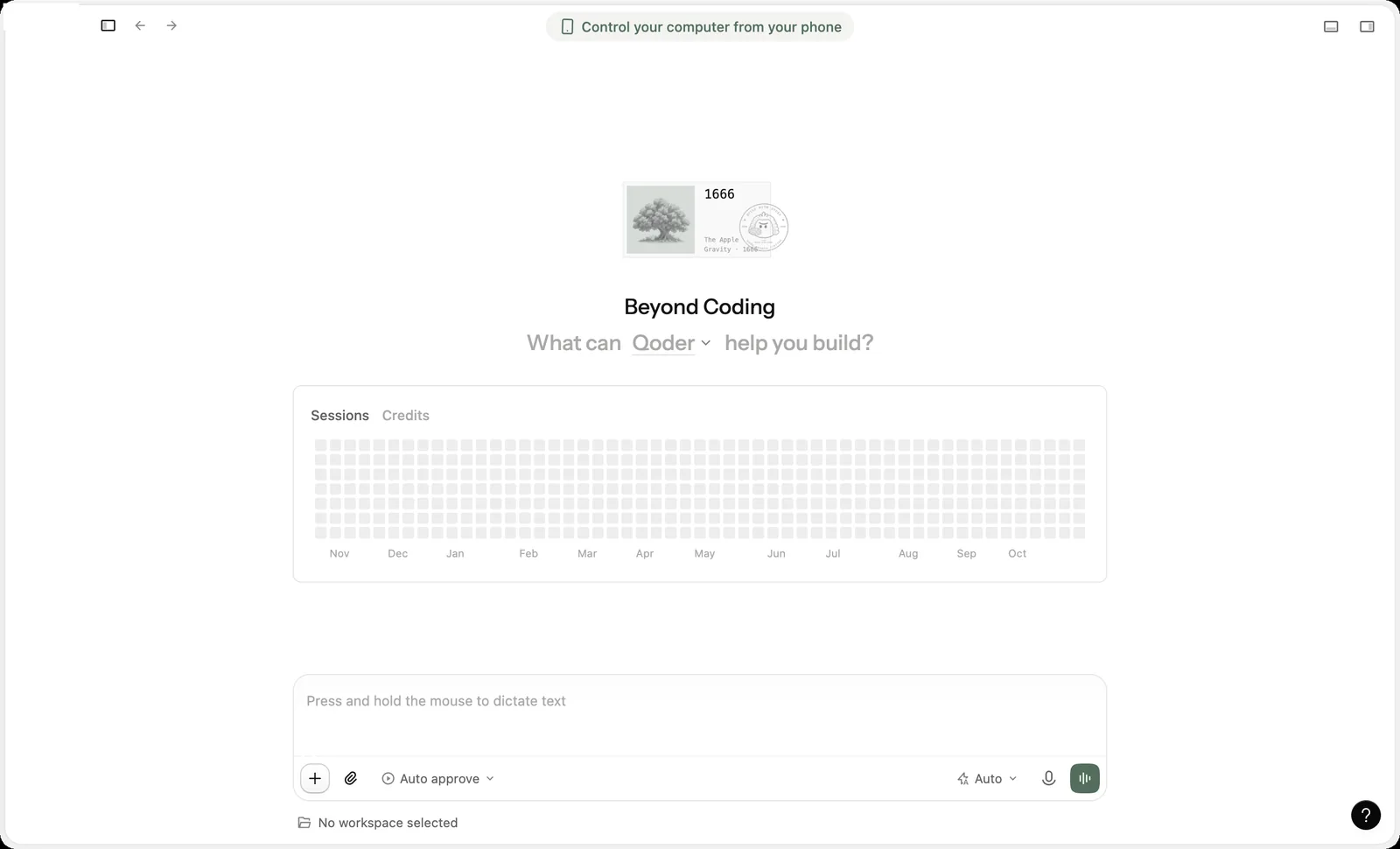
Sign in to your Qoder CN account the first time you open the app. Check the mode and model near the message box. This guide used Coding mode, Local execution, and the Auto model, with the default Auto approve permission.
Open the AI Passport project
Select No workspace selected above the message box, choose New workspace, select Click to add a readable and editable folder to open the AI Passport project folder, then select Create.
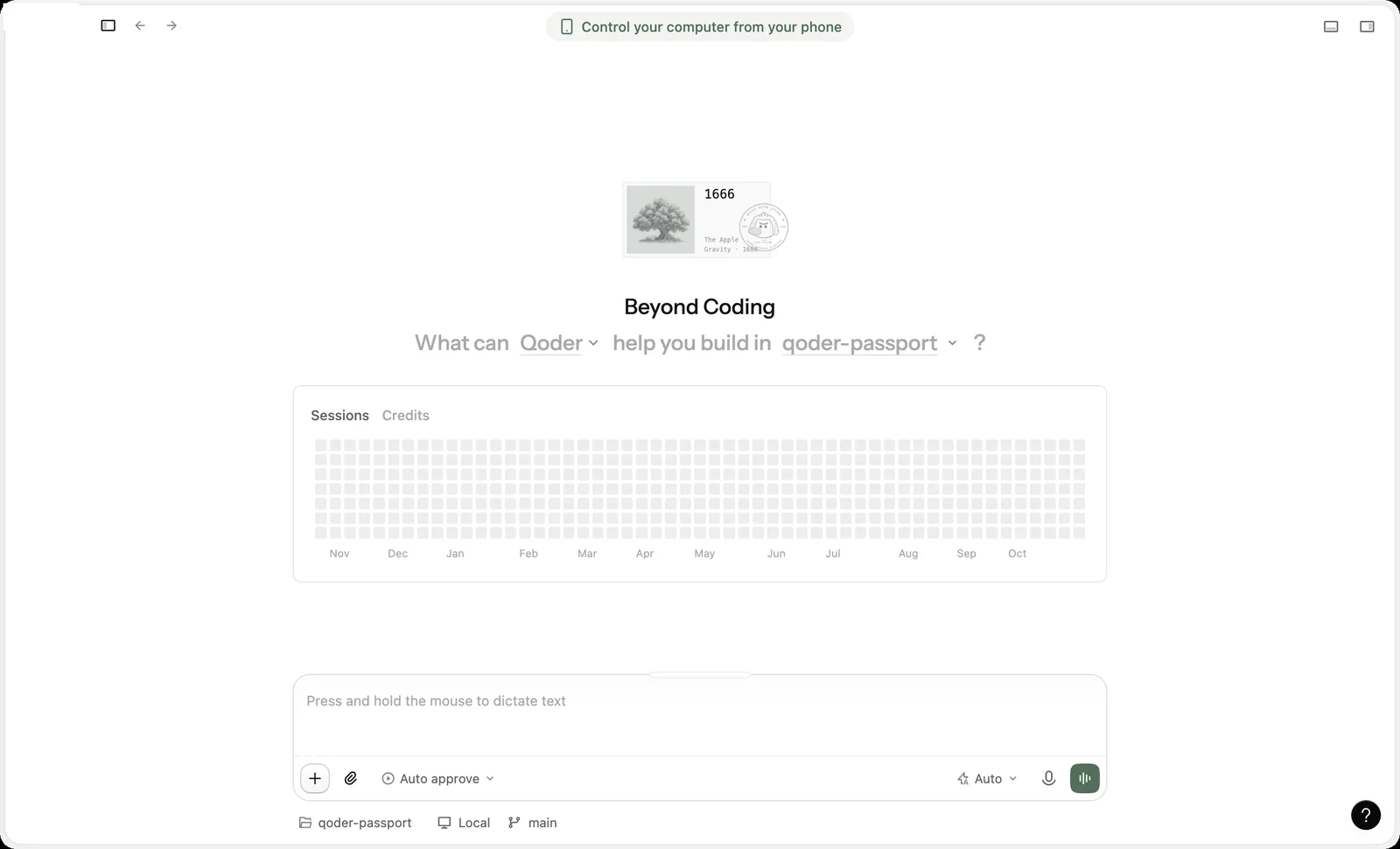
You can clone the project first with git clone https://gitee.com/FoloToy/ai-passport.git, or choose an empty folder and let the agent download the project from the prompt.
Send the build prompt
Start a new conversation, paste the prompt below, replace [ENTER APP REQUIREMENTS] with the app you want, and send it. This guide used the following example:
Build  using the complete project at https://gitee.com/FoloToy/ai-passport; reuse a local checkout if available.
Read AGENTS.md and docs/README.md first, then consult relevant documentation, hardware interfaces, and examples as needed. Prepare the environment and install the Skills required by the project.
Preserve existing changes and develop on a new branch. Reuse the BSP and design a fresh application UI instead of copying the demo; check font coverage for Chinese text. Ask when key requirements are unclear and handle the rest autonomously.
Run project validation and deliver merged firmware flashable from 0x0. Report test results and anything unverified. When finished, proactively ask whether to test on hardware; do not flash without confirmation.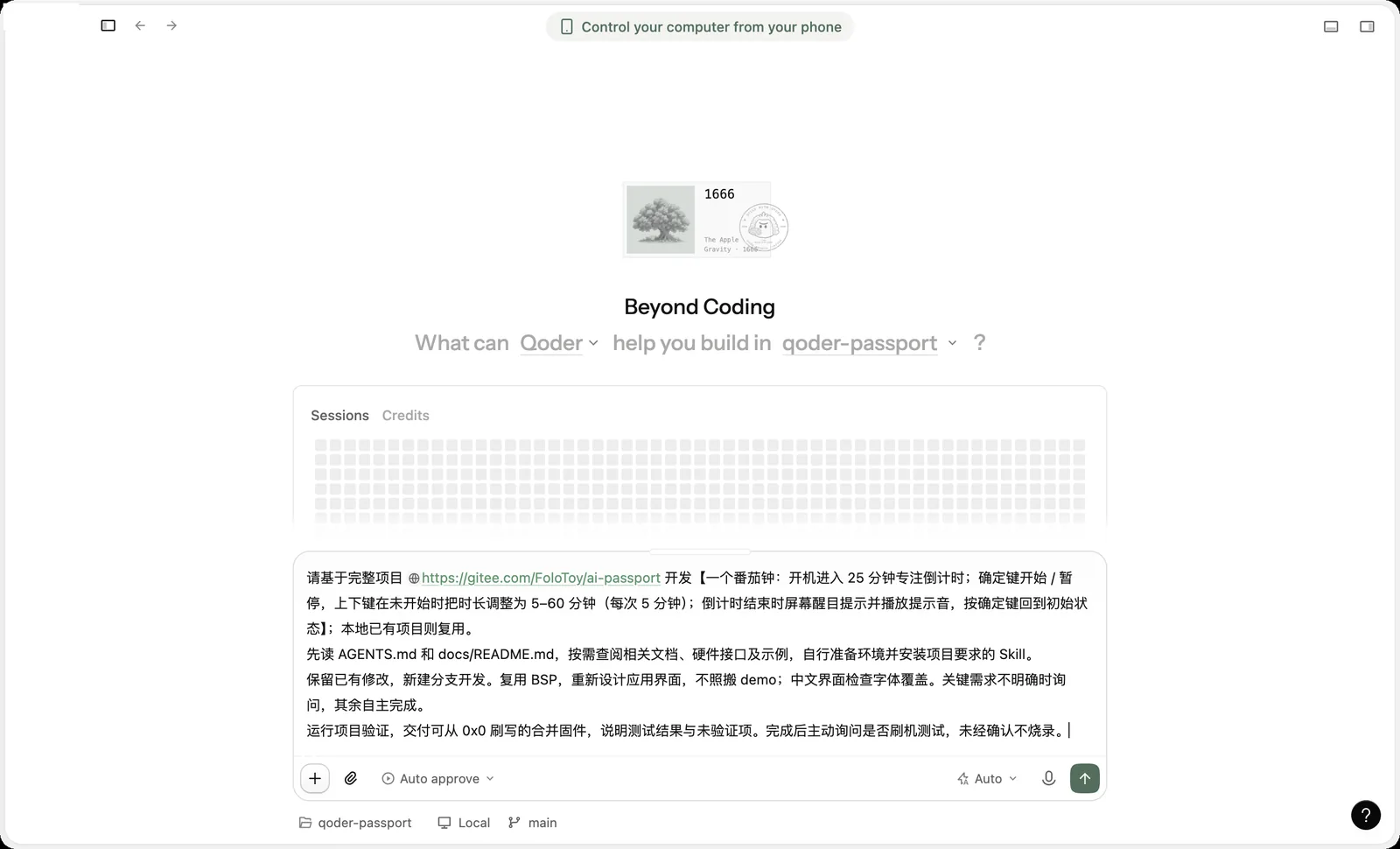
- a Pomodoro timer: start with a 25-minute focus countdown; Confirm starts or pauses it; before it starts, Up and Down change the length from 5 to 60 minutes in 5-minute steps; when time is up, show a clear alert and play a sound, and Confirm resets the timer
Let Qoder CN build and check the app
Qoder CN reads the project, checks the required Skills, creates a feature branch, then edits code and runs build commands. The default Auto approve runs commands automatically. To review each command, switch to a confirmation permission before you send the task.
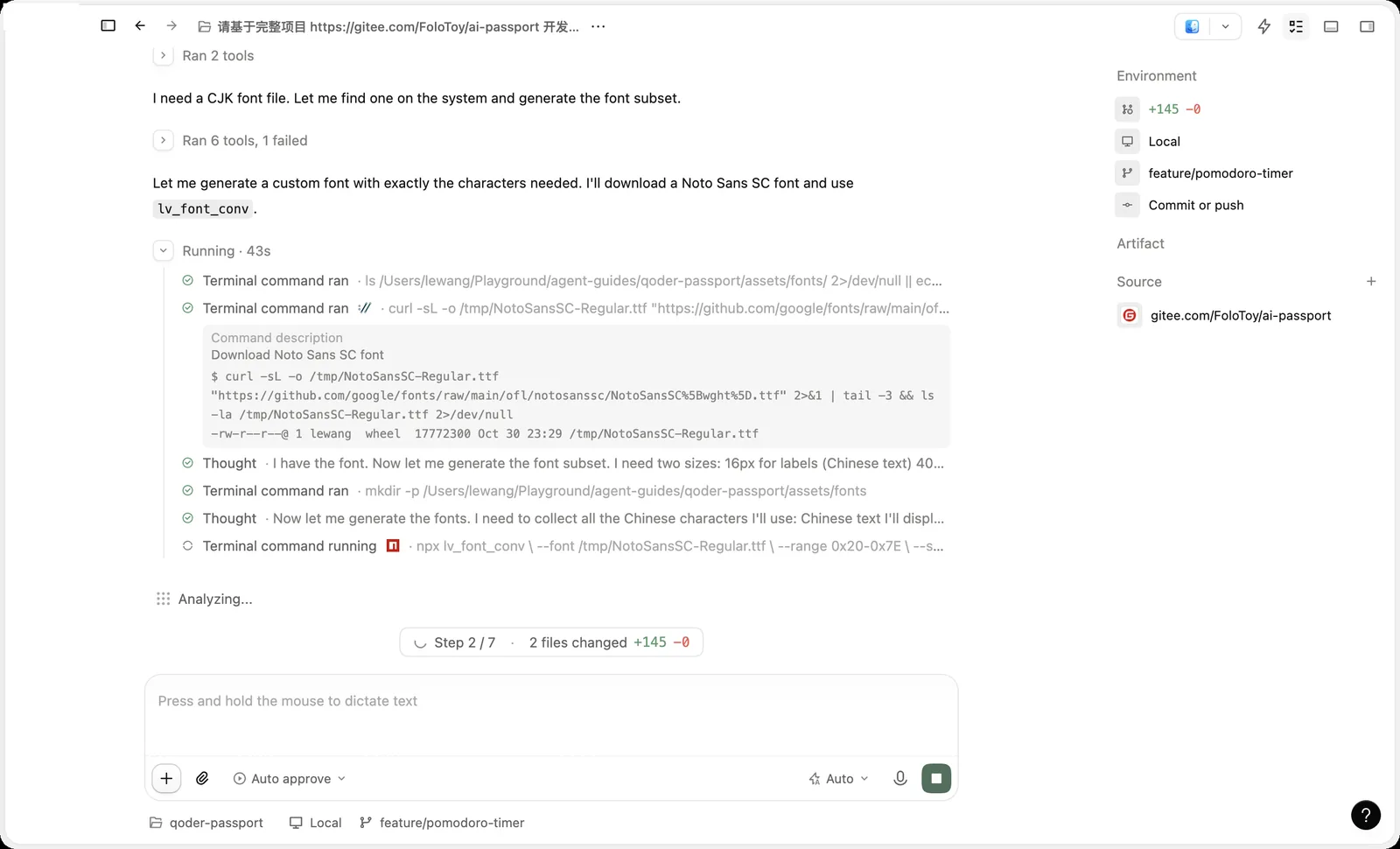
On the first run, the agent installs the Skills the project needs and checks or sets up the ESP-IDF build environment, so it takes a while. The job isn't done until you see a successful build and a firmware file path.
Review the result
This example took about 20 minutes. Qoder CN reported a passing build and host unit tests, delivered merged firmware at build/full.bin (about 762 KB, written at 0x0), listed what still needs testing on the device, and then asked whether to flash it.
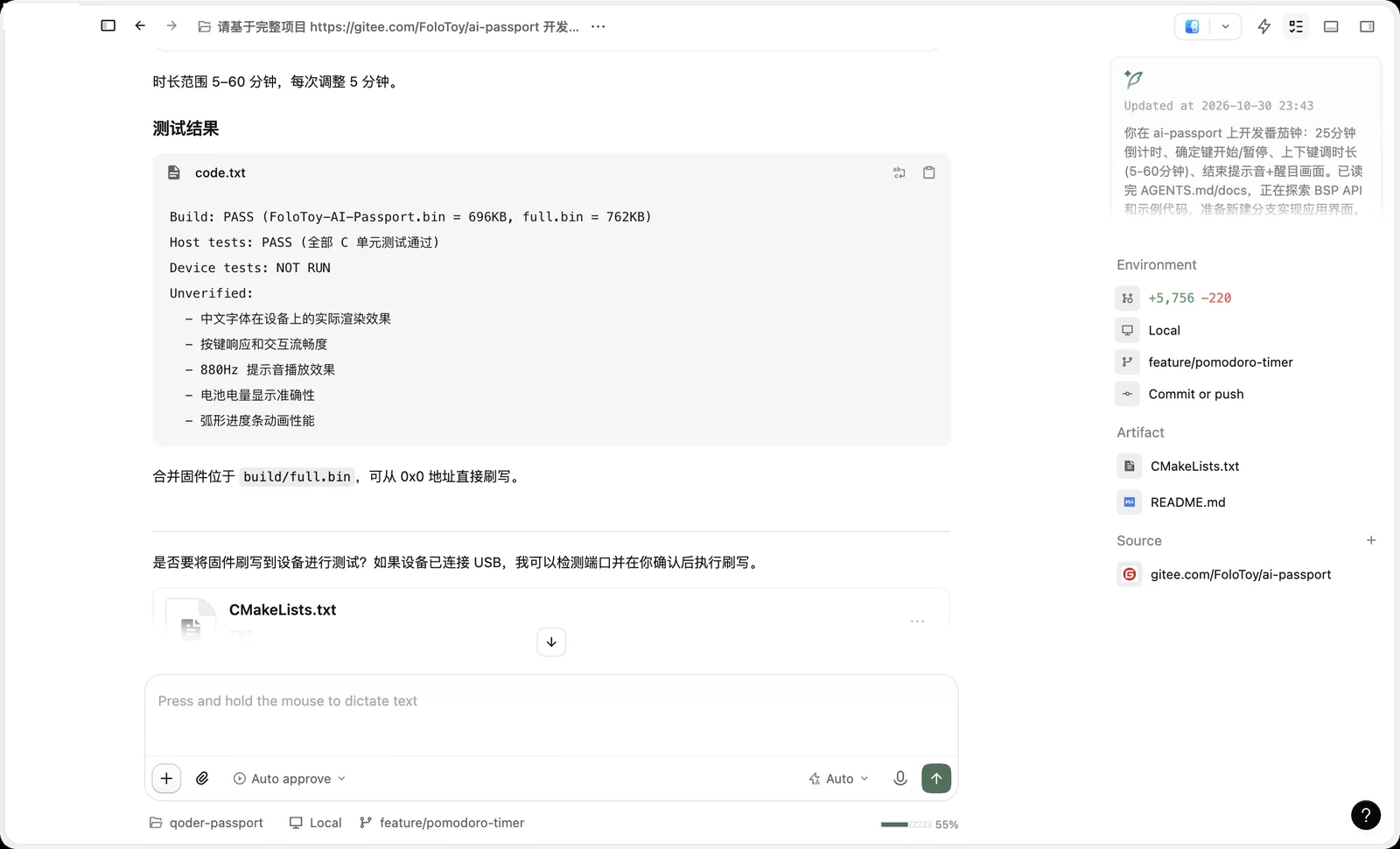
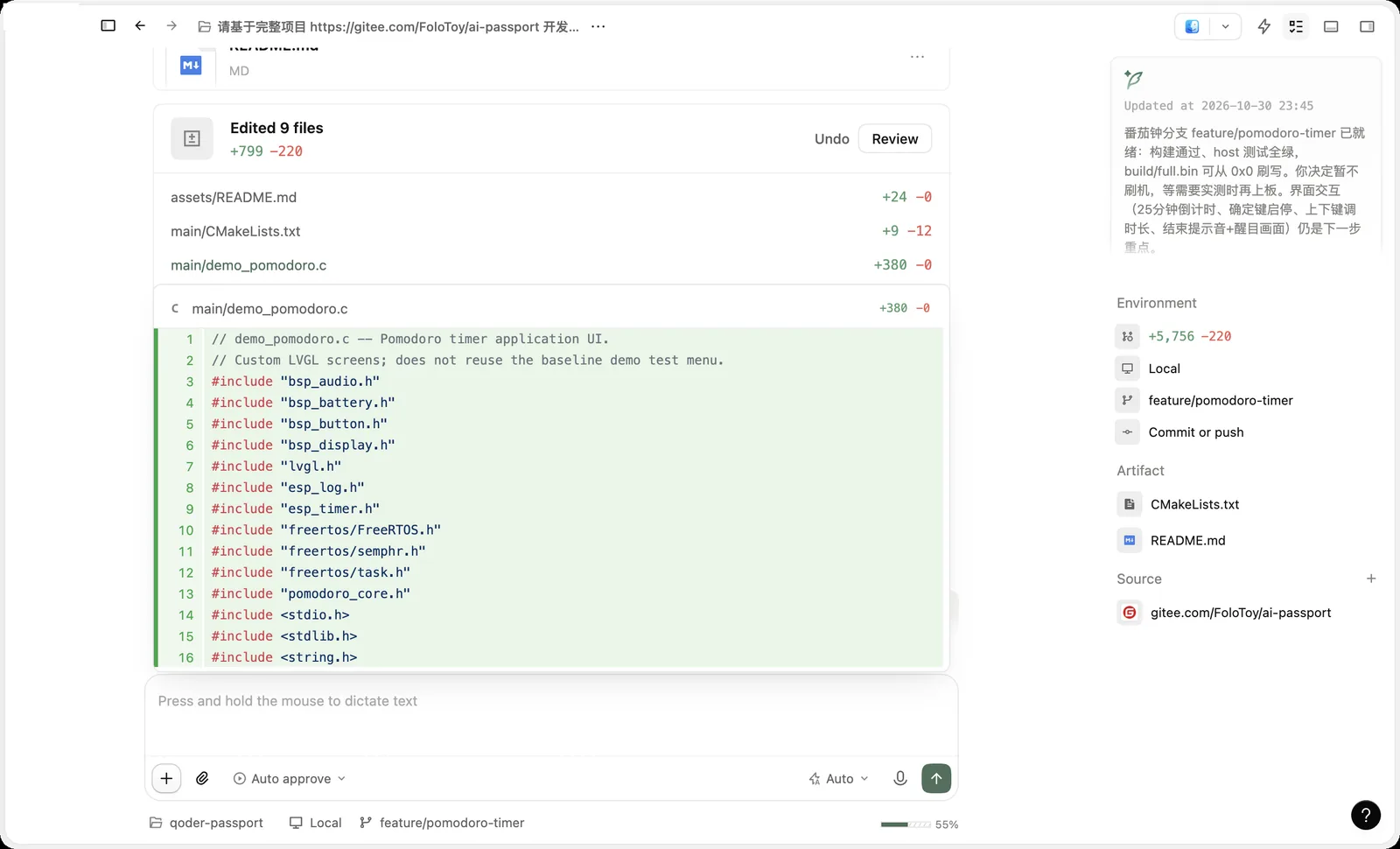
- Select Review next to Edited 9 files to inspect each file's changes.
- Environment on the right shows the changed lines, where it ran, and the current branch.
- The untested items, including Chinese text rendering, button response, sound, battery display, and the progress animation, need to be checked on the device.
- When the agent asks whether to flash, reply that you don't want to flash yet if your device isn't ready.
Install it on AI Passport and test
Open the web flasher, choose the merged firmware the agent delivered (the .bin file written at 0x0), connect AI Passport with a USB-C data cable, and install it. The device restarts when it finishes. Then check the display, buttons, and sound one by one.
- Installing a new app overwrites everything currently on the device. You can restore the default firmware at any time.
- Don't unplug the cable or close the page during installation.
- Describe anything that doesn't look or respond as expected, and ask the agent for another build.
Troubleshooting
Here are issues you may run into when building AI Passport apps with Qoder CN:
- You're out of credits: check your remaining credits, or choose a model with a lower rate in the model menu.
- The download page lists several products: use the Qoder CN desktop app for building apps.
- The build environment is missing: ask the agent to set up ESP-IDF 5.5.3 from the project docs. If it's already installed, point the agent to the existing Python environment with IDF_PYTHON_ENV_PATH.
- On macOS, the full validation script may stop because sha256sum is missing, and the agent may run only the C unit tests. In that case, treat the result as a passing build and unit tests, not a full validation pass.